












Electronic Signature for Salesforce
Easily and quickly integrate Oodrive Sign into Salesforce. Sign and have all your documents signed online securely—without ever leaving your Salesforce environment.
The Oodrive Sign for Salesforce connector allows you to integrate your electronic signature solution directly into your CRM.
Deploy Oodrive Sign in Salesforce with just a few clicks and quickly get started with your electronic signature process.
Compliant with the eIDAS regulation, you can assign roles between the administrator and your teams to maintain precise control over the signing process.
Have your contracts signed from any device—without ever leaving your Salesforce environment—even when you’re offline.
Oodrive Sign for Salesforce is designed to integrate effortlessly into your Cloud CRM and lets you launch your e-signature workflows quickly.
« The rapid adoption of Oodrive Sign has enabled MBDA to optimize processes, automate tasks, and improve the overall efficiency of various business units and users, all while complying with current security and regulatory standards. »
« Oodrive Sign allows us to sign documents remotely, instantly, and within a secure legal framework. The tool is therefore perfectly suited to our needs. »
« Oodrive Sign stands out from other market players because it combines security, data sovereignty, and regulatory compliance. All these guarantees reassure our clients in the education sector, who can confidently digitize their contract processes. »
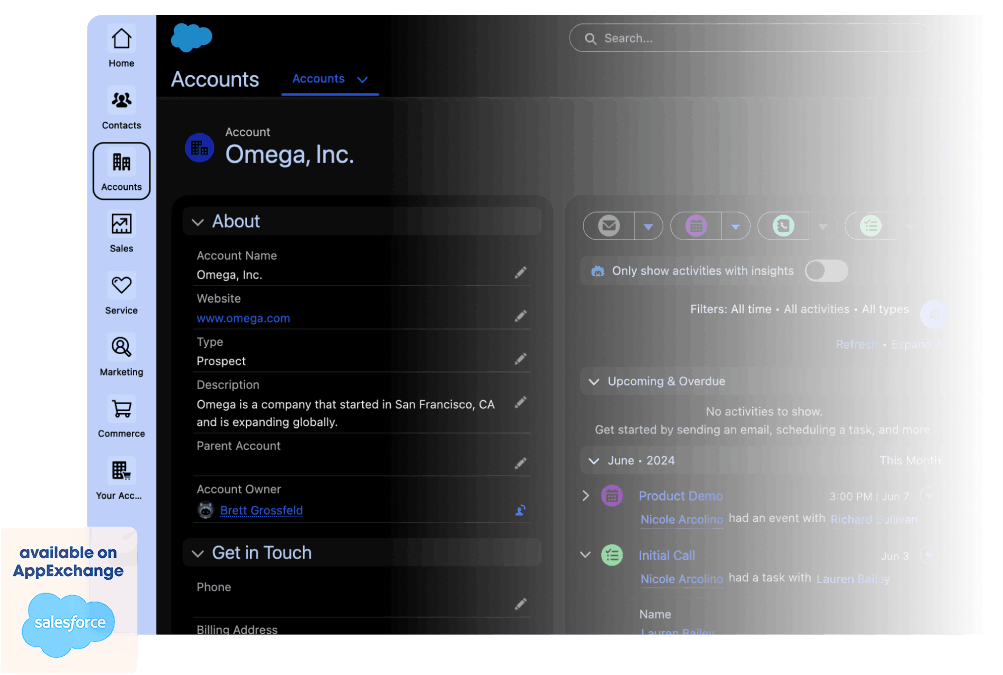
From any Salesforce entity (opportunity, contact, account, or other), upload your PDF documents to be signed in the “Notes and Attachments” section.
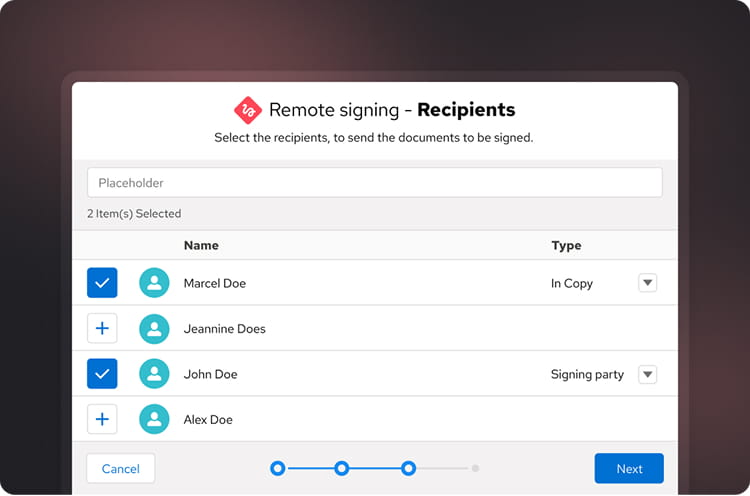
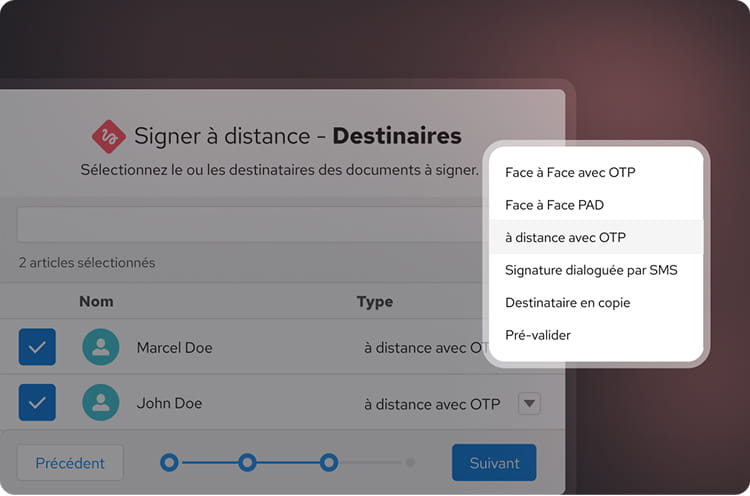
Start your signature workflow by selecting a scenario, the documents to send, and the signers, along with their roles in the transaction.
For a secure signing experience wherever you are, choose the method that works best for you: in-person, remote, or interactive via SMS.
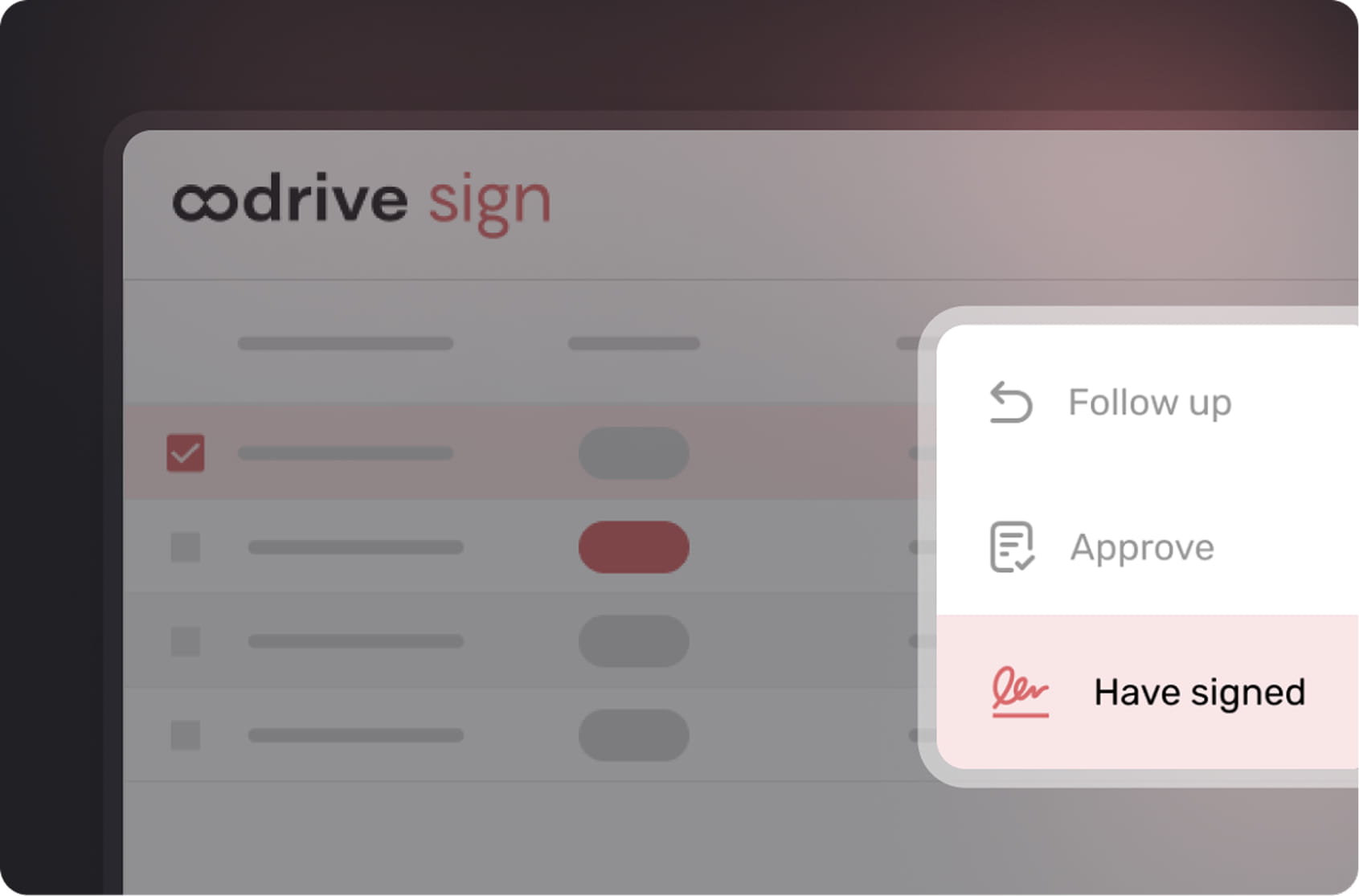
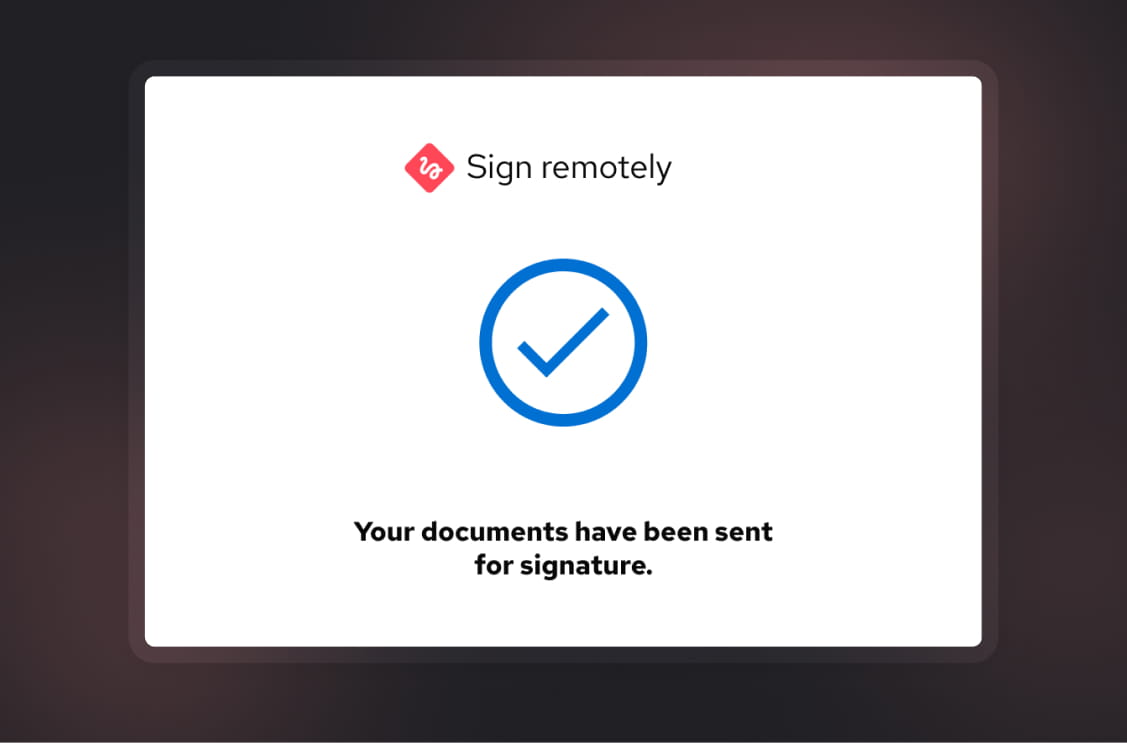
Send your documents for signature with a personalized email. Once the transaction is complete, you can track its status in Oodrive Sign for Salesforce®.
Our team will be happy to help you choose the solution best suited to your needs.